Condemned
Keyboard controls: W, A, S, D; Space; O; P
Gamepad controls: Left analog stick; A; B; X
The game uses the GPU for rendering, so make sure hardware acceleration is enabled in your browser, and that it has permission to use your dedicated graphics card at the OS level.
If you're using a low-end graphics card or integrated graphics, try pressing / (slash) to enable low-resolution downscaling mode.
Download
Click download now to get access to the following files:
Development log

Comments
Log in with itch.io to leave a comment.
Jogo incrível muito bem feito, ansioso para ver o lançamento dessa arte incrível, vi hoje no GO GAME FESTIVAL e amei instantaneamente
is it possible to change the keys to arrows ? i can see it via the options menu but it doesnt seem to work when trying to change them ... and then you seem to get softlocked in that menu section and cant get back to the main menu ?
There's a bug with saving the edited keys when you start the game, just noticed it.
Additionally, there's a known bug that occurs when attempting to change Button A, which happens because it collides with its intended use, namely, changing the key assignment.
I strongly recommend using the default keys or a controller. At some point, I look forward to fixing this mess of key assignments.
Sorry for the inconvenience.
no problem , thanks !
The game is just SO laggy, that it takes a second to recognize my button presses! Needless to say, this is NOT good for a platformer.
EDIT: I turned VFX off and moved from Firefox to Chrome to see if it runs better. It did, but now there's weird teal rectangle that appears whenever my character lands.
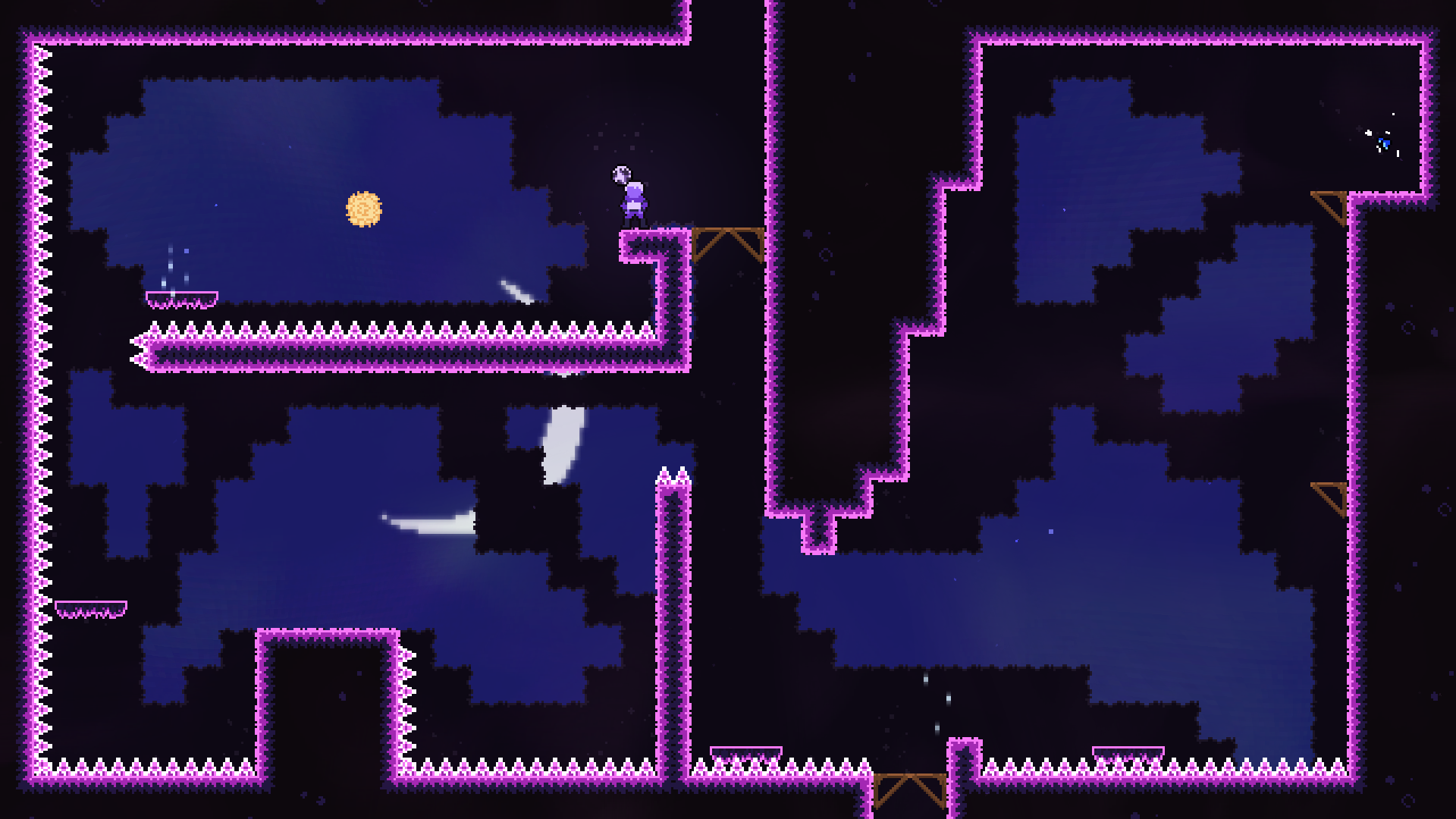
EDIT 2: What do the yellow orbs in the wall boost tutorial do? I accidentally trigger them, but I don't know how I did, because they otherwise wouldn't work for me.
Sorry for that.
If you have a decent GPU, try turning on the hardware acceleration in your Chrome/Firefox configuration; it should help to run the graphics part of the game.
Also, check if Chrome/Firefox is allowed to use your graphics card.
The page is not complete. I wasn't expecting someone to play it so soon...
In the last development log, I clarified that Construct 3 has too many limitations when it comes to graphics, so it lags all the time. I, as a developer, can't do much about it at the current state of the game.
Thanks for the shout-out about controllers, I'll leave some explaining in the description.
(If you don't have a good GPU, there's also a trick when you click / (Slash) that allows the low-res downscaling, but the game gets ugly, I'll leave that in the description too)